影刀RPA 下拉框选择器的处理:select、自定义下拉、级联选择

影刀RPA 下拉框选择器的处理select、自定义下拉、级联选择作者林焱下拉框是网页表单中最常见的控件之一。但下拉框的变种太多了——原生select、自定义div模拟、级联联动、搜索过滤、虚拟滚动——每种的处理方式都不一样。很多新手只会用【选择下拉框】指令遇到自定义下拉框就傻眼了。这篇文章把五类下拉框的自动化处理方法讲全。一、原生Select下拉框1.1 基本操作标准HTML的select元素影刀有专门的【选择下拉框】指令【选择下拉框】 目标元素//select[idprovince] 选择方式按文本选择 选择内容北京市三种选择方式# 按值选择option的value属性# option value01北京市/optionselect_by_value(01)# 按文本选择option的显示文本select_by_text(北京市)# 按索引选择第几个option从0开始select_by_index(0)1.2 获取下拉框选项fromselenium.webdriver.support.uiimportSelectfromseleniumimportwebdriver# 获取所有选项selectSelect(driver.find_element_by_id(province))optionsselect.optionsforoptioninoptions:print(f文本:{option.text}, 值:{option.get_attribute(value)})# 获取已选中的选项selectedselect.first_selected_optionprint(f当前选中:{selected.text})1.3 多选下拉框# 原生select支持多选multiple属性selectSelect(element)# 选择多个select.select_by_text(北京)select.select_by_text(上海)# 取消选择select.deselect_by_text(北京)# 取消所有选择select.deselect_all()坑值和文本搞混optionvalue01北京市/optionvalue是01文本是北京市用按值选择传01用按文本选择传北京市。搞混了选不上。店群矩阵自动化突破运营极限二、自定义下拉框现代网站大量使用自定义下拉框用divJS模拟外观更好看但DOM结构复杂。影刀的【选择下拉框】指令对这类下拉框无效。2.1 标准操作流程# 自定义下拉框操作三步曲# 1. 点击触发器展开下拉列表# 2. 在列表中找到目标选项# 3. 点击目标选项# 步骤1展开click_element(.dropdown-trigger)# 点击触发器wait_for_element(.dropdown-menu,timeout5)# 等待列表出现# 步骤2查找选项optionsget_element_list(.dropdown-menu .dropdown-item)foroptioninoptions:ifoption.text北京市:# 步骤3点击option.click()break2.2 用影刀指令操作1. 【点击】点击下拉框触发器.select-trigger 2. 【等待元素】等待下拉列表出现.select-options 3. 【获取元素列表】获取所有选项 4. 遍历选项列表 a. 【获取元素文本】获取选项文本 b. 【如果】文本匹配目标 c. 【点击】点击该选项 d. 【退出循环】 5. 【等待元素】等待下拉框关闭确认选择生效2.3 搜索型下拉框有些下拉框支持搜索过滤——输入文字后列表只显示匹配的选项1. 【点击】点击下拉框 2. 【填写输入框】输入搜索词 3. 【延时等待】500ms等过滤完成 4. 【等待元素】等待过滤后的列表出现 5. 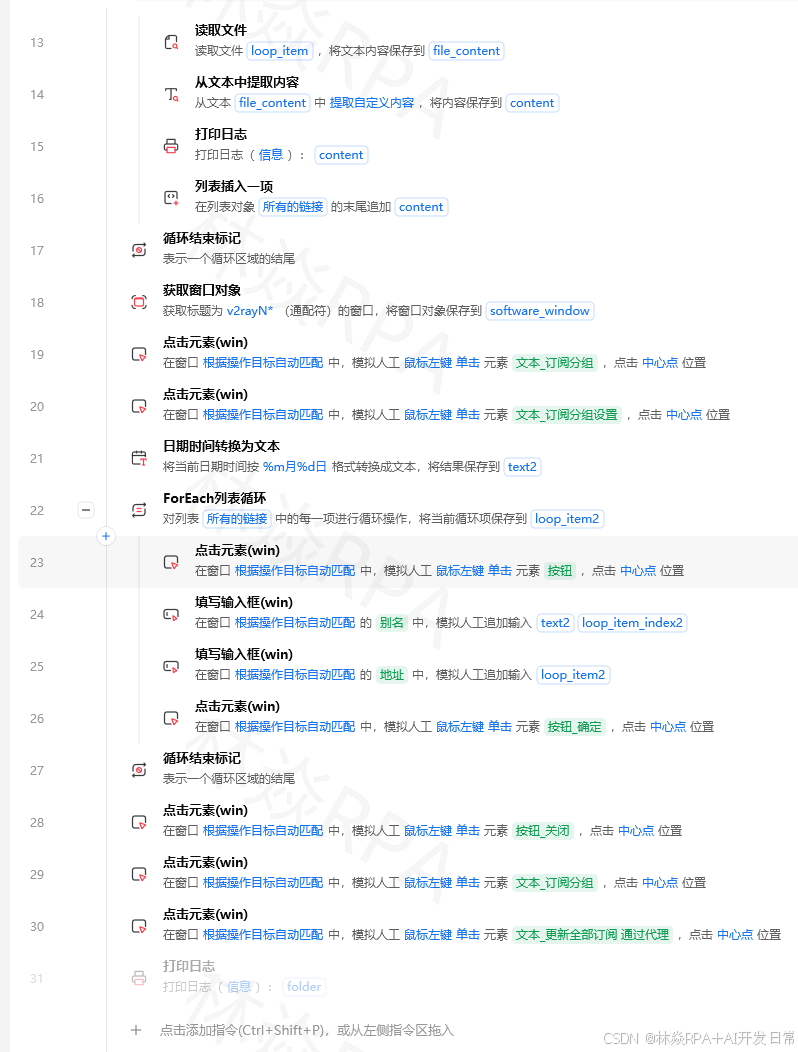 6. 【点击】点击第一个匹配项# Python实现click_element(.searchable-select)fill_input(.select-search-input,北京)time.sleep(0.5)# 等过滤wait_for_element(.select-option)click_element(.select-option:first-child)# 选第一个坑输入太快过滤没触发一次性填入搜索词可能不触发过滤监听的是keydown事件。用逐字输入forcharin北京:simulate_keypress(char)time.sleep(0.1)2.4 虚拟滚动下拉框选项太多时几百上千个下拉框可能使用虚拟滚动——只渲染可视区域内的选项滚动时动态更新。# 不能直接获取所有选项需要滚动查找click_element(.virtual-select)target_text目标选项foundFalsewhilenotfound:# 获取当前可见的选项optionsget_element_list(.select-option)foroptioninoptions:textoption.textiftexttarget_text:option.click()foundTruebreak# 如果当前选项在目标之后说明目标在上面iftexttarget_text:breakifnotfound:# 向下滚动scroll_element(.select-list,directiondown,amount100)time.sleep(0.2)坑选项文本排序方式不确定虚拟滚动下拉框的选项可能是按拼音、按编码或无序排列。不能简单比较文本来判断滚动方向。最安全的方式是一直向下滚动直到找到目标或到底部。三、级联选择器3.1 省市区联动选了省才能选市选了市才能选区。每级选择触发下一级的数据加载。defselect_cascader(province,city,district):选择省市区# 1. 选择省click_element(.province-select .trigger)wait_for_element(.province-select .options)click_option(.province-select .options,province)# 2. 等待市级数据加载wait_for_element(.city-select .options,timeout5)time.sleep(0.5)# 额外等待数据渲染# 3. 选择市click_element(.city-select .trigger)wait_for_element(.city-select .options)click_option(.city-select .options,city)# 4. 等待区级数据加载wait_for_element(.district-select .options,timeout5)time.sleep(0.5)# 5. 选择区click_element(.district-select .trigger)wait_for_element(.district-select .options)click_option(.district-select .options,district)defclick_option(container_selector,target_text):在容器中点击匹配文本的选项optionsget_element_list(f{container_selector}.option)foroptioninoptions:ifoption.text.strip()target_text:option.click()returnTruereturnFalse坑1选择太快数据没加载选了省后市级数据还在从服务器获取你就去展开市级选择器了结果是空的。每级选择后加等待。坑2级联面板型选择器有些级联选择器不是分步展开而是一个面板上同时显示三级1. 【点击】点击选择器 2. 【等待元素】等待面板出现 3. 【点击】在第一列点击省份 4. 【等待元素】等待第二列城市出现 5. 【点击】在第二列点击城市 6. 【等待元素】等待第三列区县出现 7. 【点击】在第三列点击区县3.2 分类选择器商品分类的级联选择如电子 手机 智能手机defselect_category(categories):逐级选择分类forlevel,categoryinenumerate(categories):# 等待当前级别的选项出现selectorf.category-level-{level}wait_for_element(selector,timeout5)# 点击匹配的选项optionsget_element_list(f{selector}.category-item)foroptioninoptions:ifoption.text.strip()category:option.click()break# 等待下一级加载time.sleep(0.5)# 使用select_category([电子,手机,智能手机])四、下拉框选择值不确定时的处理4.1 从Excel读取选择值importpandasaspd# 从配置表读取选择值configpd.read_excel(D:\\config.xlsx).iloc[0].to_dict()provinceconfig[省份]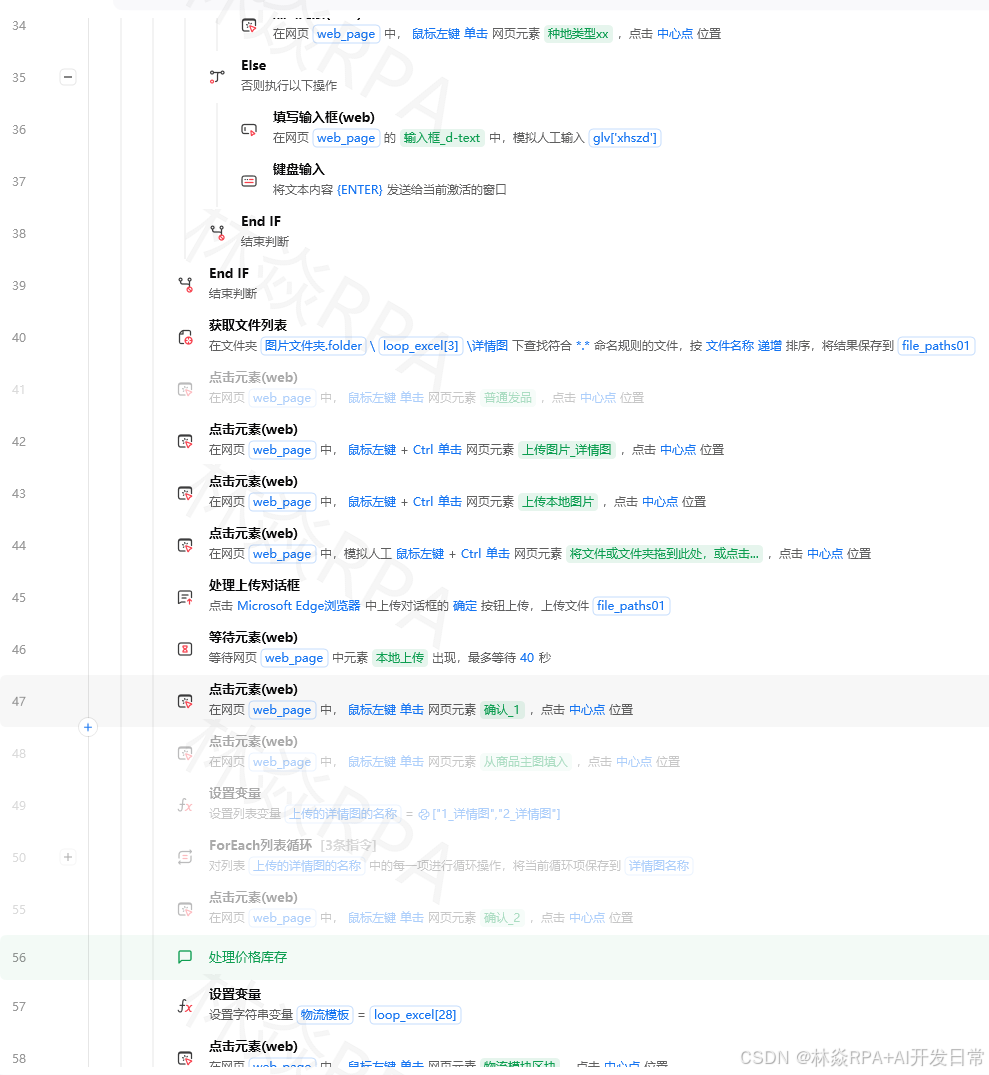cityconfig[城市]districtconfig[区县]select_cascader(province,city,district)4.2 选项不存在时的处理defsafe_select_option(container,target_text):安全选择选项不存在时记录并返回Falseoptionsget_element_list(f{container}.option)available_texts[opt.text.strip()foroptinoptions]iftarget_textnotinavailable_texts:print(f选项不存在{target_text})print(f可选项{available_texts})returnFalseforoptioninoptions:ifoption.text.strip()target_text:option.click()returnTruereturnFalse4.3 模糊匹配选择temu店群自动化报活动案例deffuzzy_select_option(container,keyword):模糊匹配选择选项optionsget_element_list(f{container}.option)foroptioninoptions:ifkeywordinoption.text:option.click()returnTrue# 精确匹配失败尝试包含匹配print(f未找到包含{keyword}的选项)returnFalse五、下拉框操作的最佳实践5.1 封装通用下拉框操作importtimeclassDropdownHandler:通用下拉框处理器def__init__(self,web_handle):self.webweb_handledefselect_native(self,select_selector,value,bytext):原生select选择ifbytext:# 【选择下拉框】按文本选择passelifbyvalue:# 【选择下拉框】按值选择passelifbyindex:# 【选择下拉框】按索引选择passdefselect_custom(self,trigger_selector,option_text,option_selector.option):自定义下拉框选择# 1. 展开self.click(trigger_selector)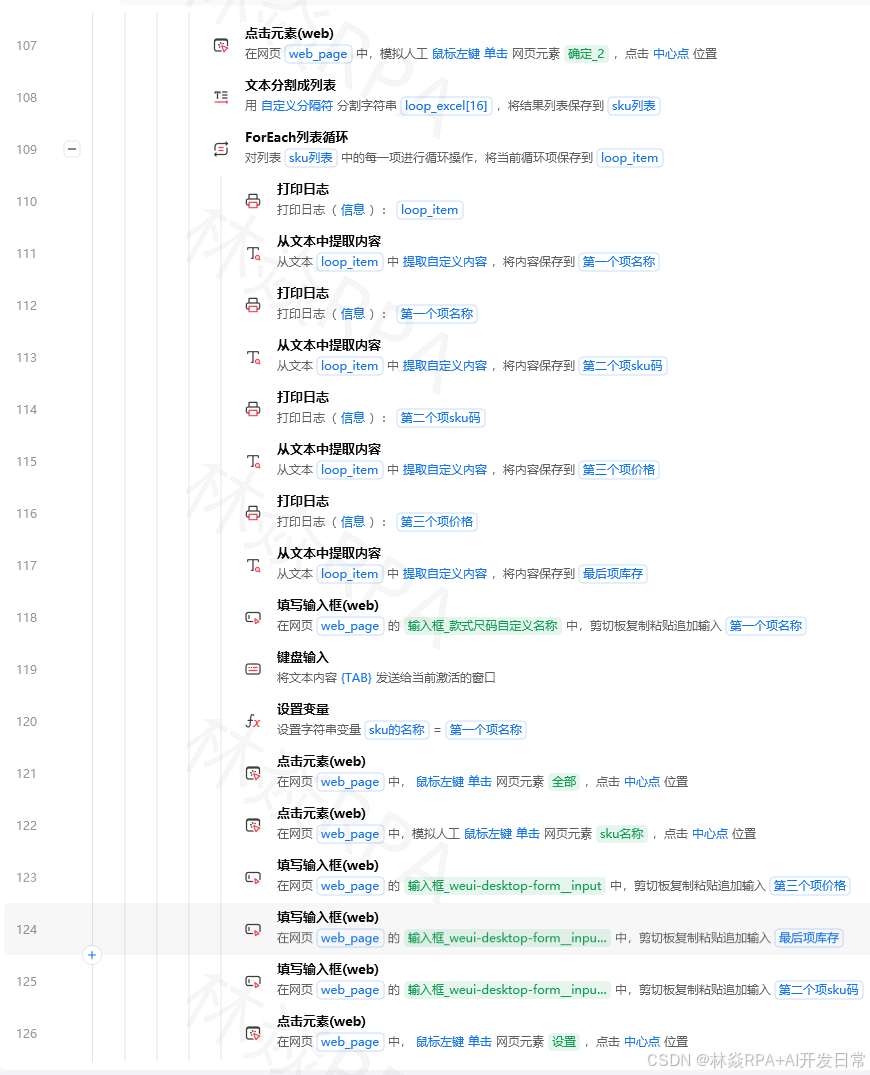time.sleep(0.3)# 2. 等待列表self.wait_for(f{trigger_selector}~ *{option_selector})# 3. 选择optionsself.get_element_list(option_selector)foroptinoptions:ifopt.text.strip()option_text:opt.click()returnTruereturnFalsedefselect_searchable(self,trigger_selector,search_selector,keyword):搜索型下拉框选择self.click(trigger_selector)time.sleep(0.3)self.fill(search_selector,keyword)time.sleep(0.5)self.wait_for(.filtered-option)self.click(.filtered-option:first-child)5.2 验证选择是否生效defverify_selection(trigger_selector,expected_text):验证下拉框是否选对了# 获取下拉框显示的已选文本selected_textget_element_text(f{trigger_selector}.selected-value)ifselected_text.strip()expected_text:returnTrueelse:print(f选择验证失败期望{expected_text}实际{selected_text})returnFalse六、避坑清单坑1下拉列表在iframe里下拉框在iframe中需要先切换到iframe才能操作选项。坑2下拉列表z-index被遮挡下拉列表的层级低于其他元素被遮挡导致点击不到。用JS点击或调高z-indexdocument.querySelector(.dropdown-menu).style.zIndex99999;坑3选项点击后列表不消失有些自定义下拉框点击选项后不会自动收起需要点击其他区域关闭# 点击页面空白处关闭下拉框click_element(body)坑4动画效果影响点击下拉列表展开有动画淡入、滑入动画期间元素不可点击。等动画完成后再操作。坑5select的change事件没触发用JS直接设置select的value不会触发change事件。需要手动触发varselectdocument.querySelector(#province);select.value01;vareventnewEvent(change,{bubbles:true});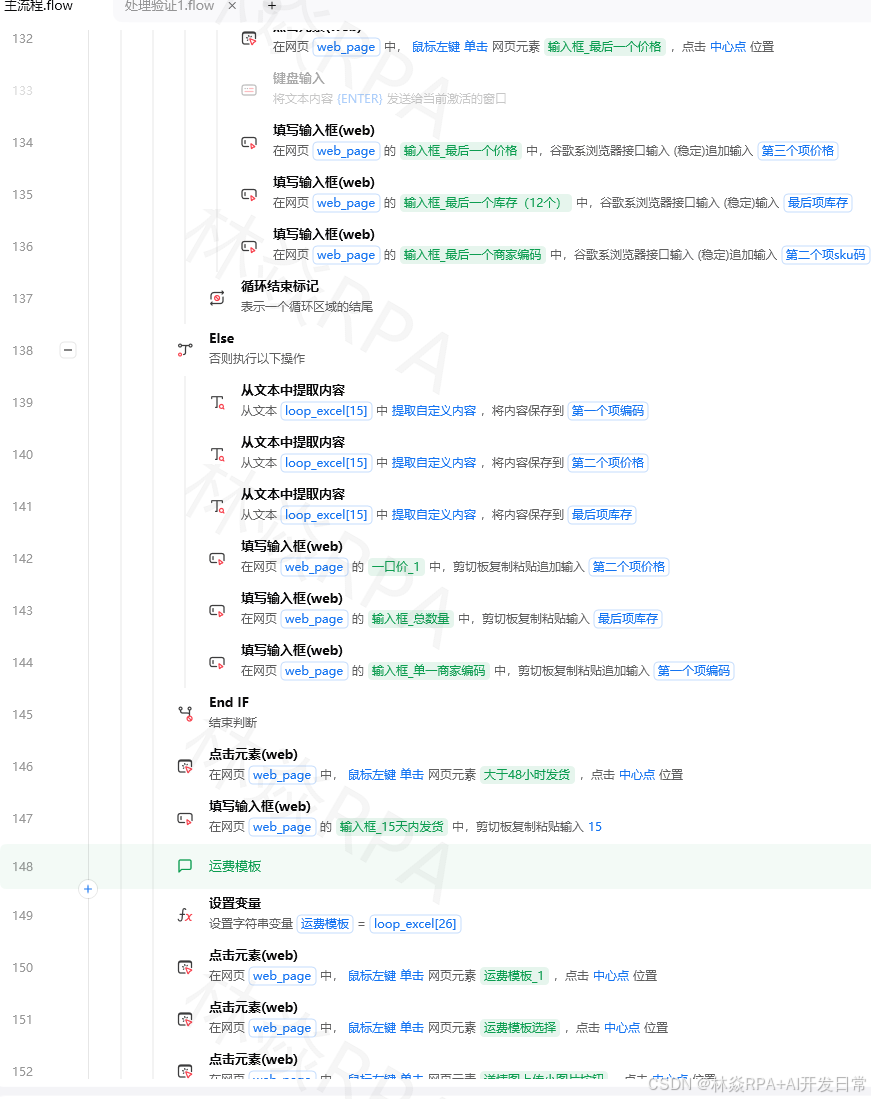select.dispatchEvent(event);
相关新闻


)
最新新闻

Maven扩展:可视化依赖树与自定义生命周期命令

直流负载管理优化:STM32与欧姆龙G6D-ASI继电器方案

LTC1864与PIC18F45K42的SPI接口设计与优化
构建简易网络聊天室)
Java Socket 编程实战:3个核心类(InetAddress/URL/Socket)构建简易网络聊天室

MATLAB 最小二乘法 4 种实现对比:代数、伪逆、lsqcurvefit 与 polyfit 性能实测

GPT-5.6 Sol Ultra 证明了一个数学猜想:这件事为什么不一样
日新闻

Linux gpm命令详解|纯文本终端鼠标启用、复制粘贴超实用教程

BI试点如何验收:从基线口径到目标指标的3个里程碑清单
)
OpenHarmony 完整项目工程整合规范 + 模块化分层架构(API23+ 标准企业级结构)
周新闻

3步彻底解决Windows右键菜单混乱问题:ContextMenuManager使用全攻略

通达OA SQL注入漏洞深度剖析:从手工注入到自动化利用与防御


